One day, one note
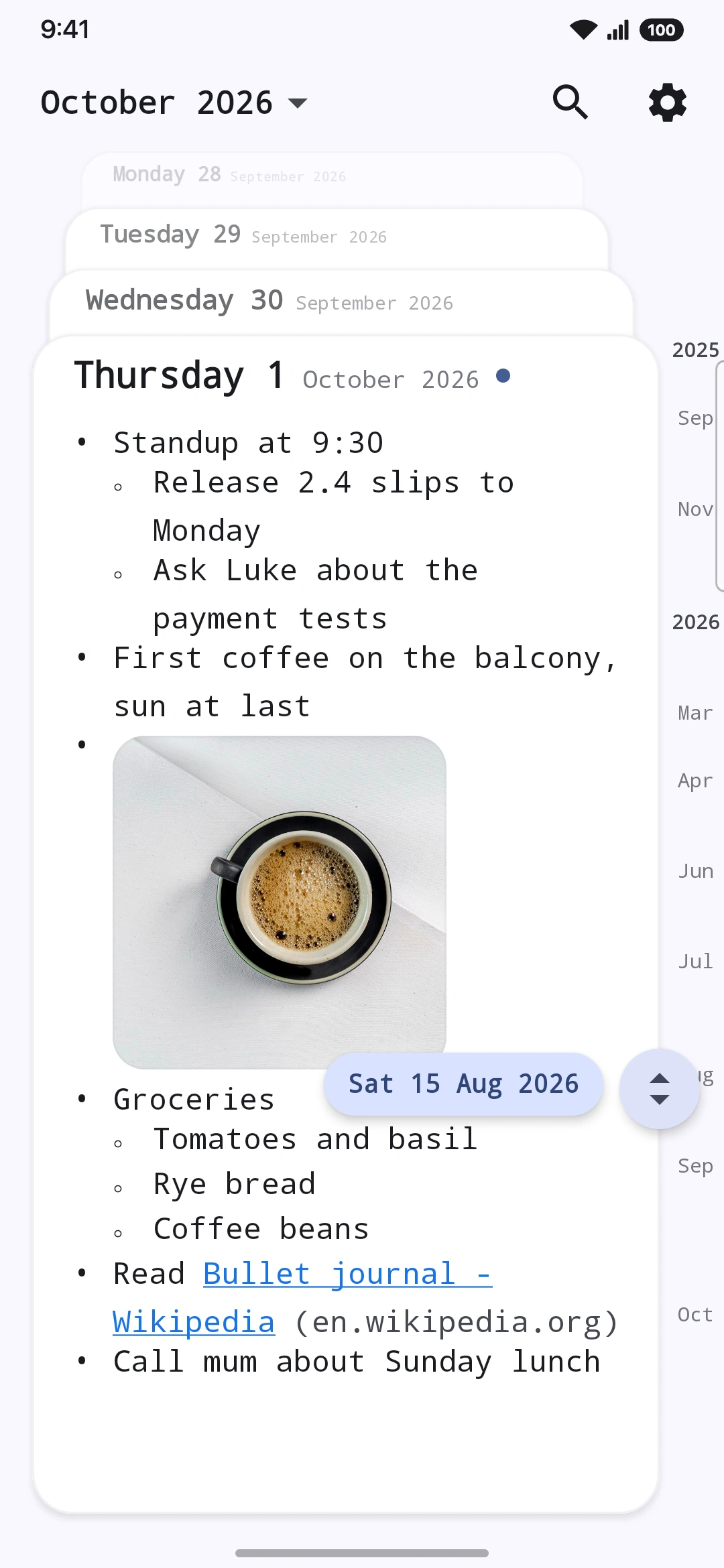
Opens on today, always
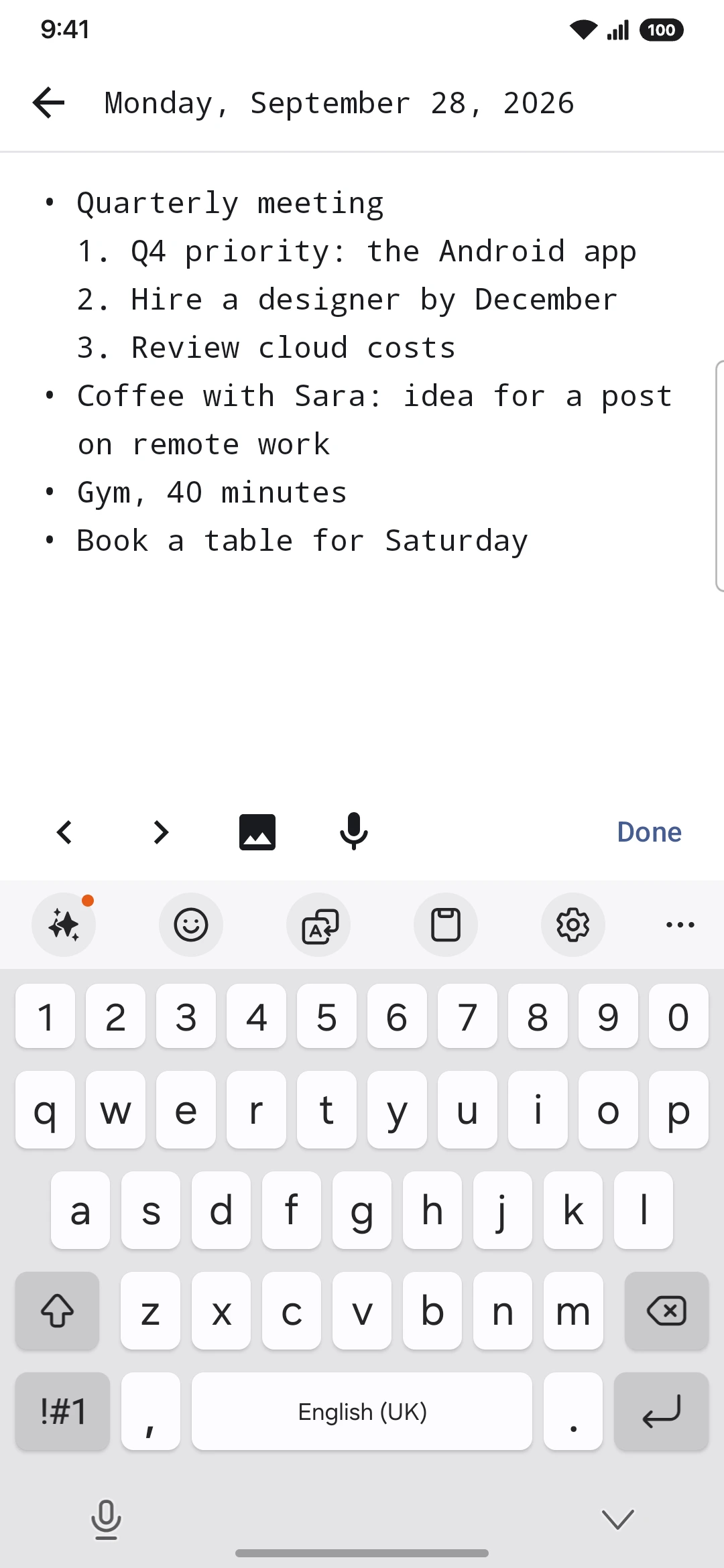
Bulleted and numbered lists
Indent to nest ideas
As deep as you like
Saves as you type
Only days you wrote in come back
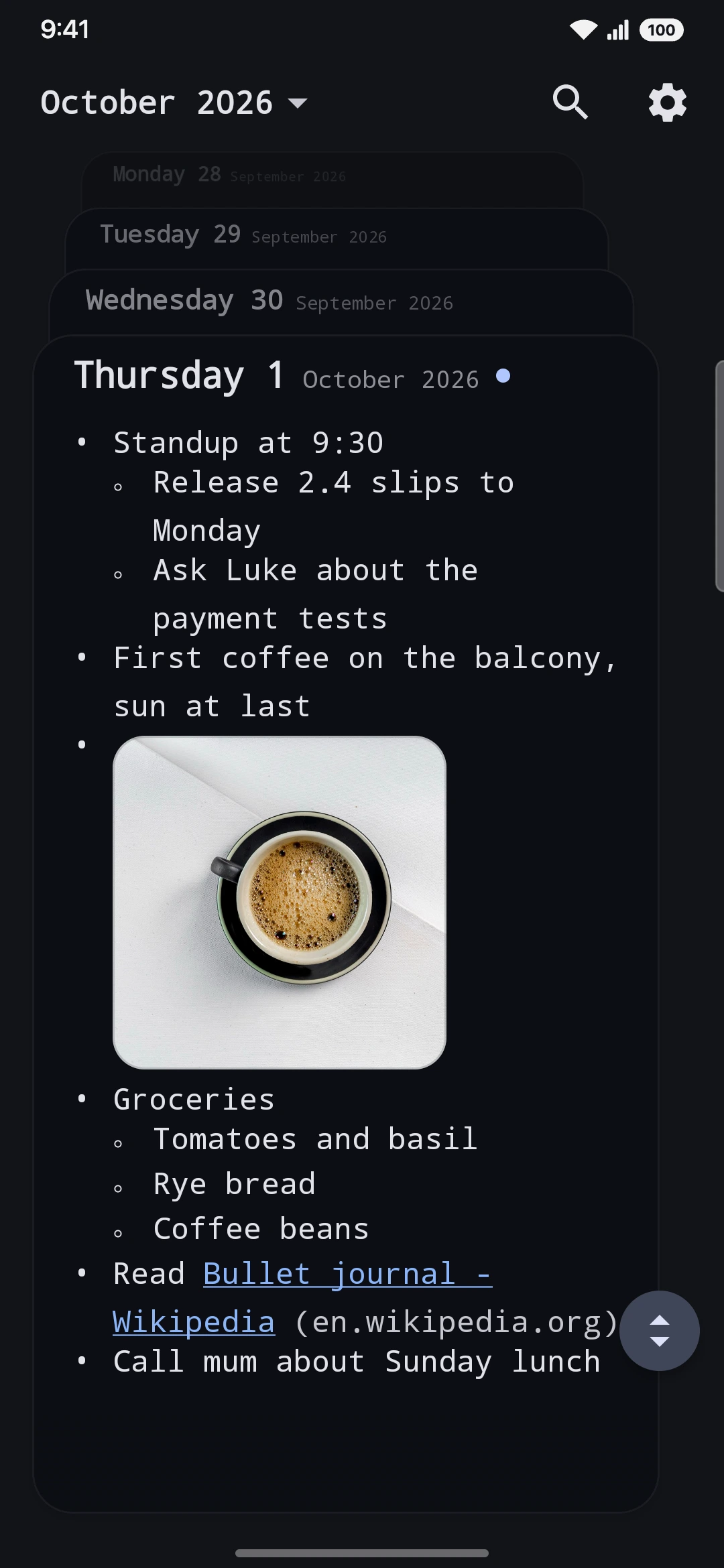
Tuttodì opens on today, ready for the first line. Earlier days sit behind it like a deck of cards. No folders, no titles, no account.
Readable even offline, once loaded.
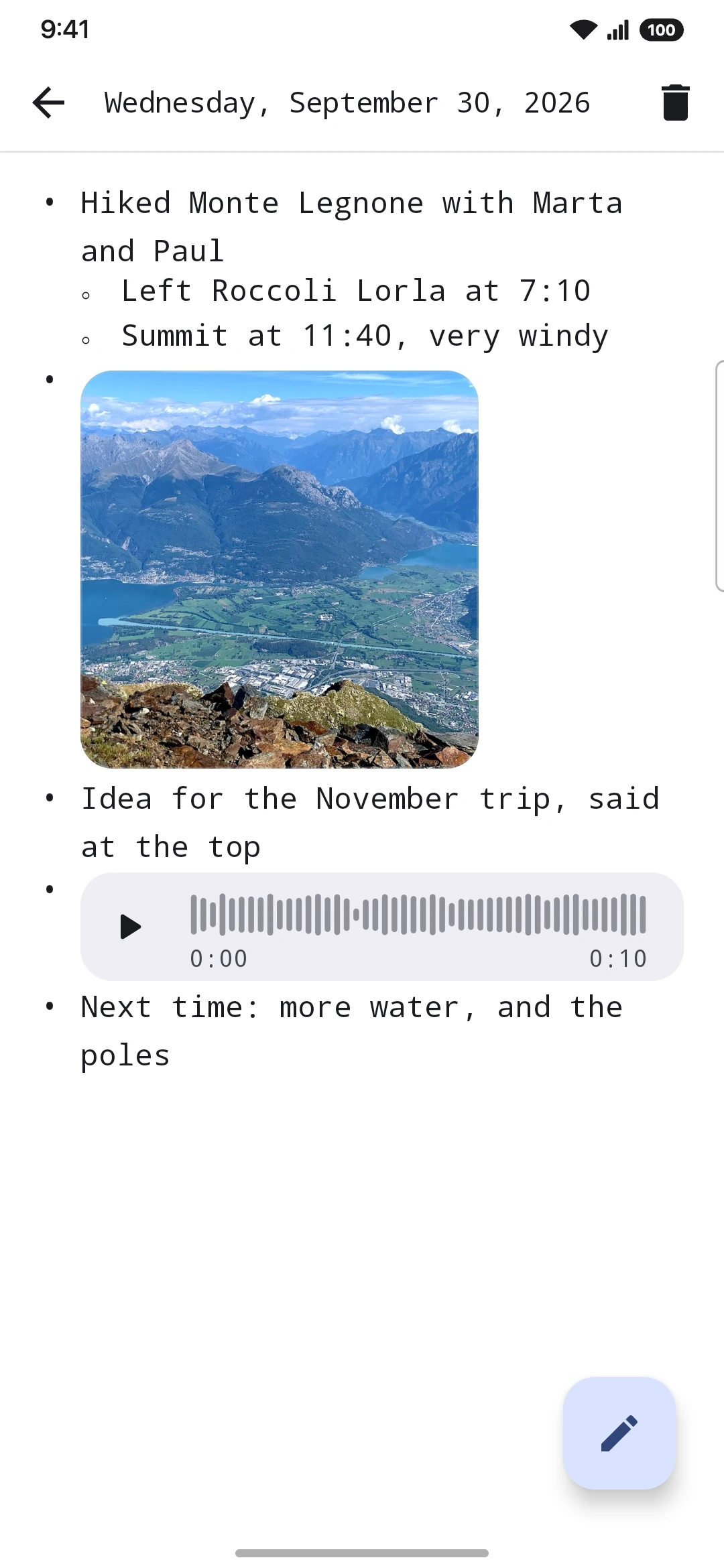
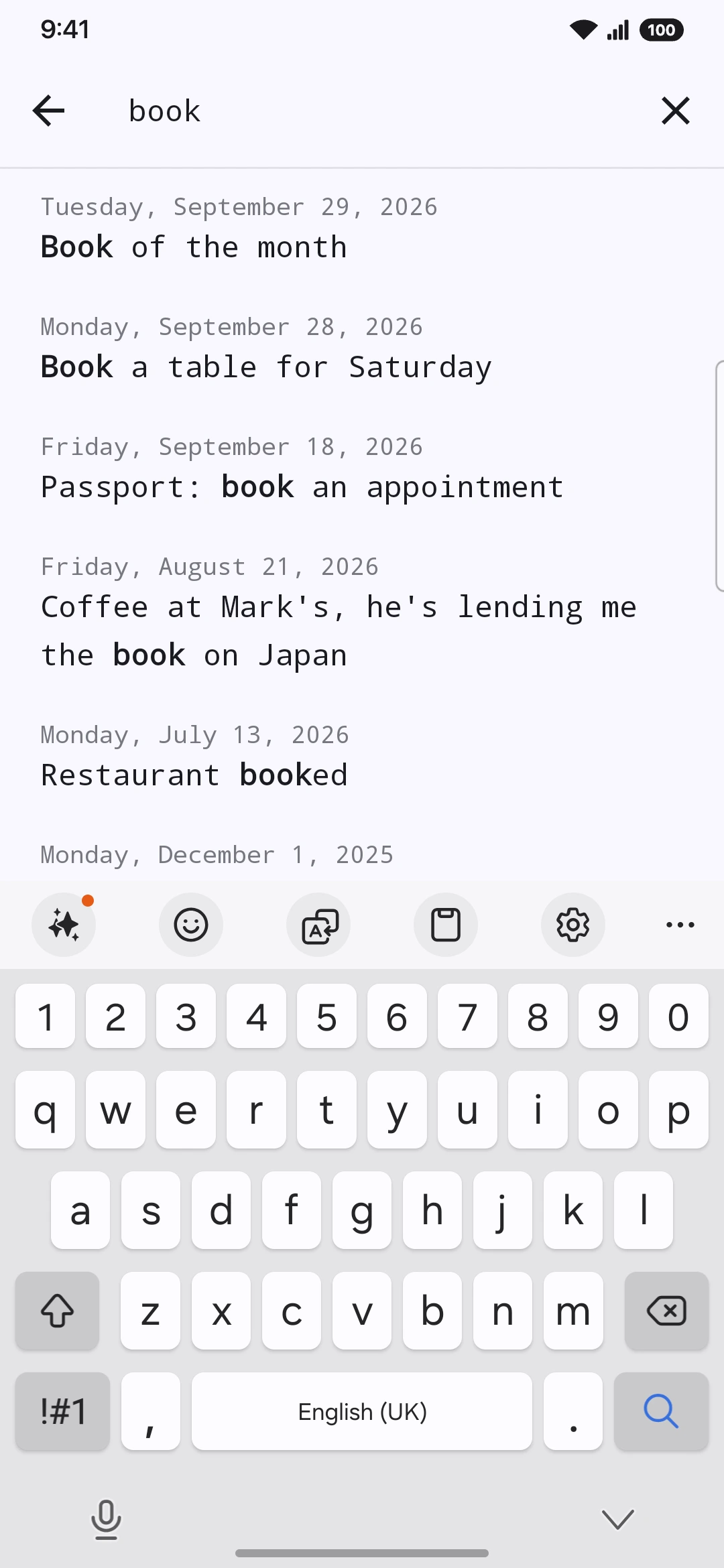
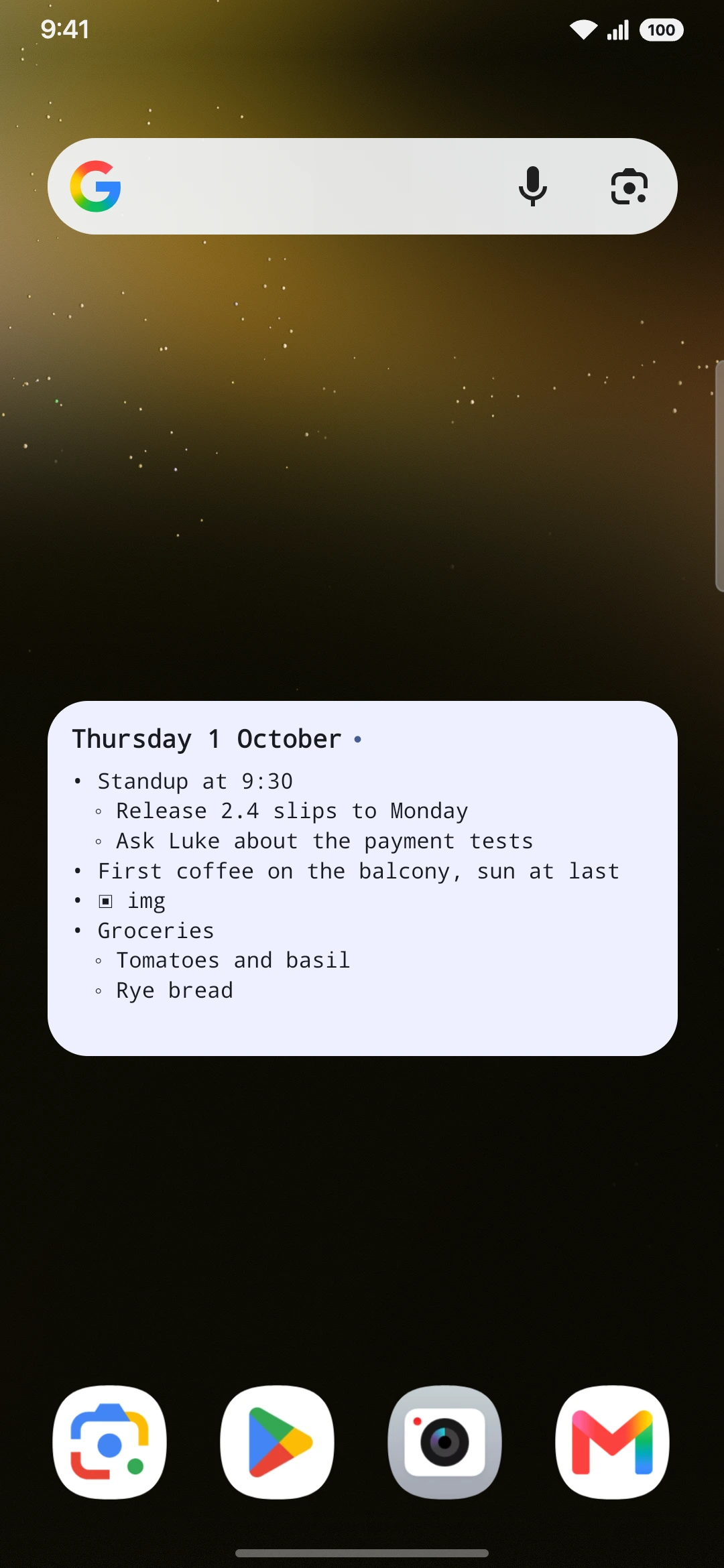
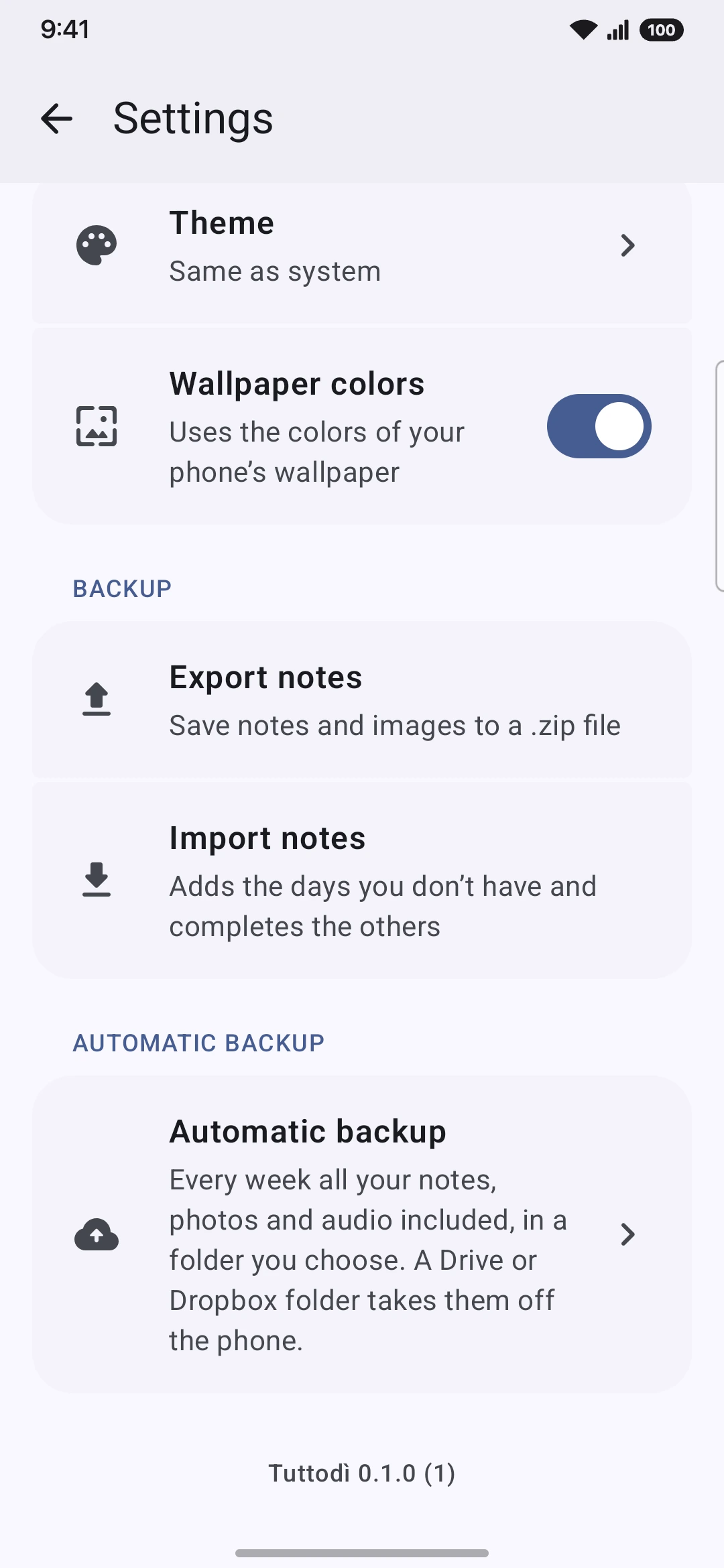
Eight screens, from today's note to the backup. Tap one to see it.
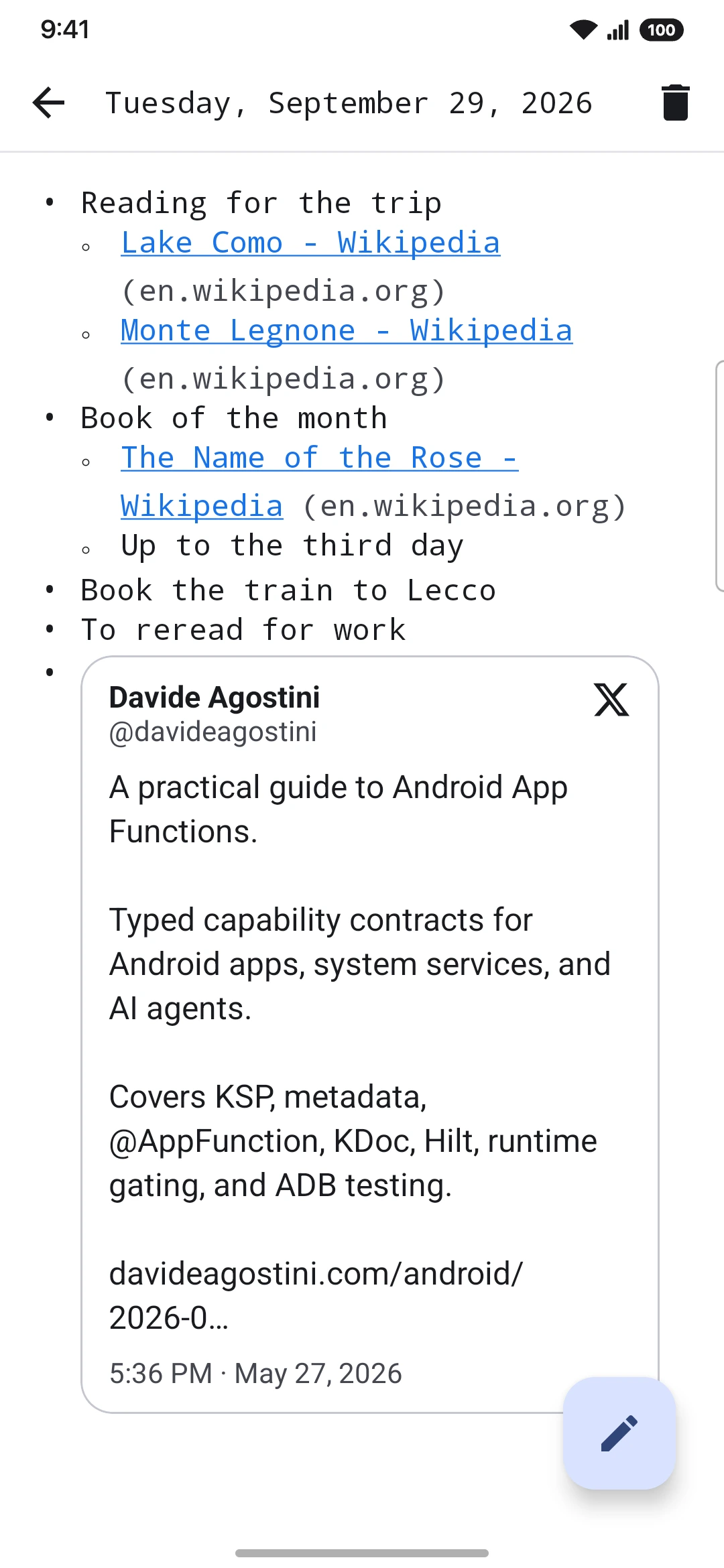
Unless you send it. Tuttodì goes online for exactly two things, both for content you added yourself.
Longer reads on writing things down every day: what the research shows, with every source listed, and how to put it into practice.
On your phone only: a local database plus a folder for photos and audio. The developer never sees them.
No. Install it and start writing.
Export everything to a single .zip file from Settings, photos and audio included, and import it on the new phone. You can also turn on a weekly automatic backup to a folder you choose.
No, there is no sync. If the backup folder is synced by another app, such as Google Drive or Dropbox, the backup file travels with it.
Yes, completely. Only link titles and X previews need a connection, and once loaded they stay.
English and Italian.
Android 8.0 or later.
Daily notes, on your phone and nowhere else.
Coming soon to Google Play